Embedding automation or workflow integrations into SaaS products without giving up implementation speed or budget clarity poses a real challenge for product teams. Many leading automation platforms keep integration external to the product shell or restrict flexible deployment without an upfront sales process. This comparison details fast deployment, pricing transparency, and customization across four top alternatives so product teams and agencies can pick the right automation consultancy.
Table of Contents
SaaS Launchpad by Stratevia
At a Glance
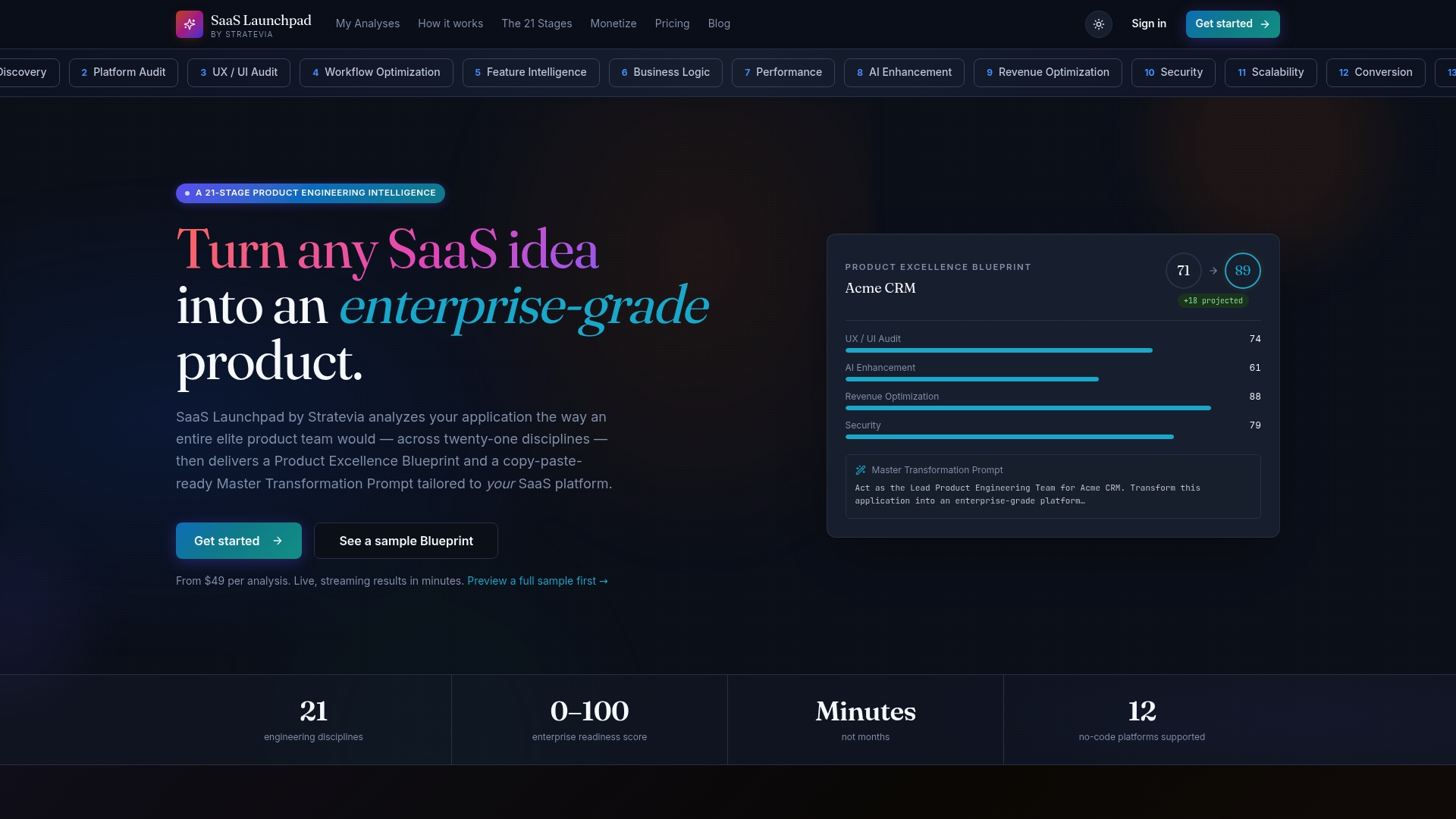
Live real time streaming analysis produces audit output as the review runs, not after a batch job completes. According to the company, it can deliver an enterprise-grade blueprint within minutes. The analysis spans 21 disciplines from discovery and architecture to security, UX, scalability, and revenue.
Core Features
The service performs a 21 discipline analysis that covers product discovery, system architecture, UX and UI evaluation, security checks, scalability assessment, and revenue modeling. It streams findings live while the analysis runs and generates a Product Excellence Blueprint with a prioritized roadmap. The output includes copy-paste transformation prompts for common no code platforms and an impact projection showing before and after scenarios.
Key Differentiator
Real time streaming plus a full 21 discipline assessment tailored to no code SaaS products sets this apart. That combination lets teams watch the audit unfold, ask follow up questions, and grab concrete prompts immediately. For no code projects this reduces the gap between spotting problems and starting the fix.
Pros
Reports arrive quickly during a single live session, which speeds diagnosis and decision making for product teams. The service supplies copy-paste ready transformation prompts that make handoffs to no code developers immediate. Pricing on a per analysis basis removes subscription overhead and helps agencies or founders scale audits by need while the blueprint and the enterprise readiness score make progress measurable.
Cons
- Live analysis may encounter technical permission errors or delays, which the vendor has reported as occasional issues.
Who It's For
Founders and product managers building or iterating no code SaaS projects will get the most value. Agencies auditing multiple client apps will benefit from the per analysis pricing and bundled discounts. Teams that need a prioritized roadmap and concrete transformation prompts will find this especially useful.
Unique Value Proposition
The copy-paste ready Master Transformation Prompt and the prioritized Product Excellence Blueprint shrink implementation friction. Instead of a long diagnostic report, you get an actionable prompt you can paste into a no code workflow or hand to a contractor. That approach turns audit time into implementation time and reduces the coordination work between strategy and execution.
Real World Use Case
A startup founder runs an analysis on an MVP built on Bubble and watches the live stream identify security and scaling gaps. The founder receives a prioritized blueprint and a transformation prompt to hand to the contractor. The team begins targeted refactoring the same day.
Pricing
Pricing starts at $49 per analysis with no subscription requirement. Bundles reduce per analysis cost with $119 for three analyses and $299 for ten analyses. This model suits intermittent audits and agency pipelines that prefer pay as you go.
Website: https://saaslaunchpad.org
FlowMate
At a Glance
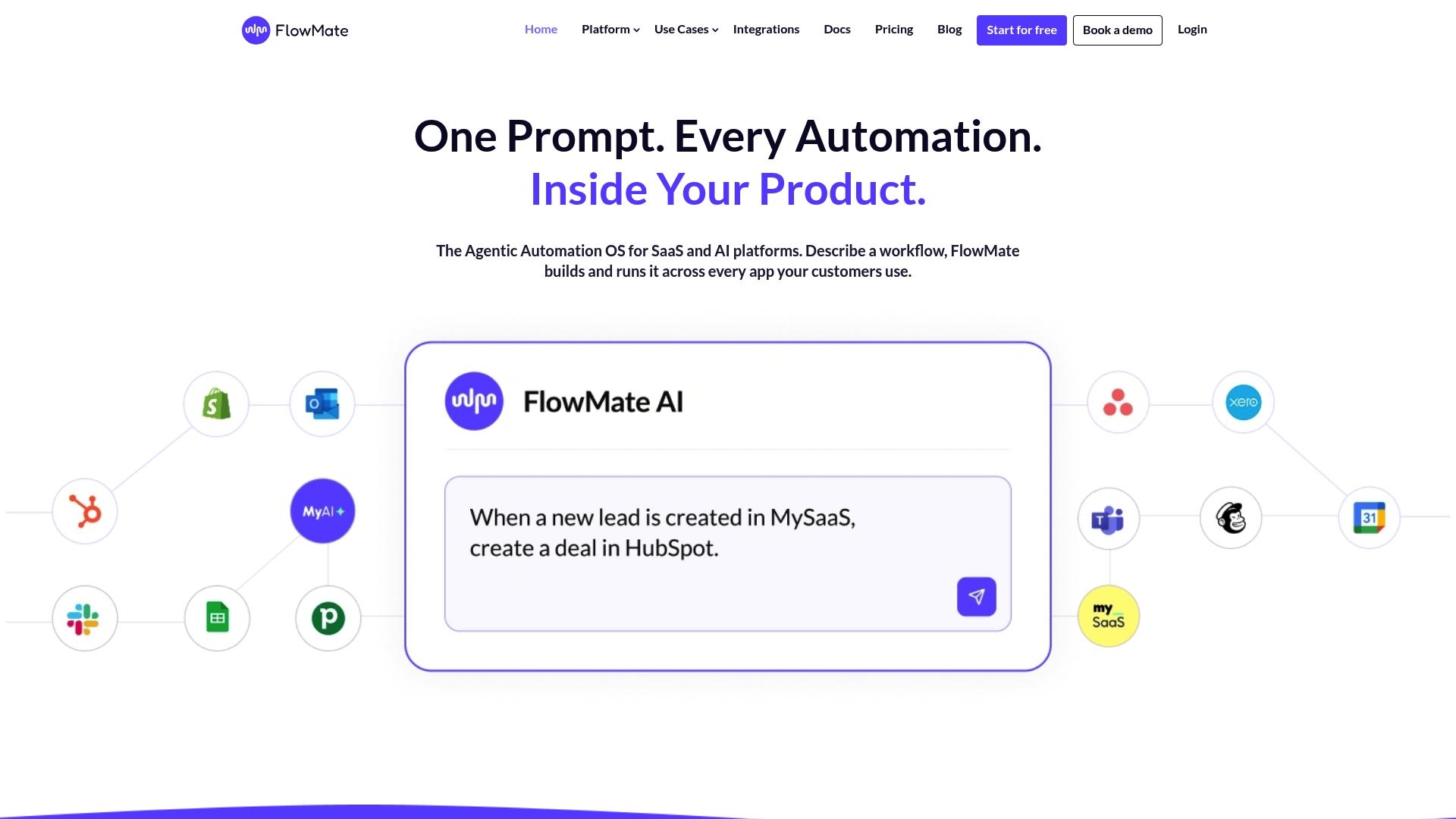
Converts natural language prompts into production ready workflows that run across SaaS systems and inside multi tenant platforms. That flow can be embedded inside a product UX and triggered by AI agents or user actions. FlowMate targets product teams that need automation living inside the application rather than an external tool.
Core Features
Converts prompts into flows, supports cross app automation via Dynamic Events, Agent Flows, and Automated Flows, and supplies a visual Flow Builder. It embeds automation UX into products and exposes a comprehensive API for custom integrations and runtime control. The platform also includes ready made connector templates and tools for building custom connectors with AI assistance.
Key Differentiator
Built to be embedded, it gives product teams control over workflow logic, execution, and the end user experience within their app. It focuses on multi tenant deployments and on AI agents that trigger real world actions across systems, rather than acting as a standalone automation hub.
Pros
Designed for SaaS and AI platforms, FlowMate offers end to end control of flow building, execution, and monitoring inside the product shell. It includes a visual Flow Builder, a comprehensive API, and a large library of over 150 connectors to popular SaaS apps. Multi tenant isolation and AI driven custom connector generation make the platform practical for products that host multiple customers and need runtime security and auditing.
Cons
- Extensive setup and integration can require significant initial effort for teams new to automation architectures.
- The platform has complexity that may overwhelm small teams without dedicated automation engineers.
- Pricing transparency is limited. Final tiering and volume discounts typically require consultation.
When It May Not Fit
Small companies without a dedicated integration team may find setup costs and the learning curve prohibitive. Products that only need simple one step triggers or single account automations will likely be over specified for FlowMate. Also, buyers who need a predictable public price sheet for low cost plans may need to engage sales.
Notable Integrations
Connectors include Salesforce and HubSpot, plus Slack and Shopify, and the vendor supplies over 150 connectors covering common SaaS stacks. The platform also supports AI driven custom connector generation for niche systems.
Who It's For
Product teams at SaaS and AI companies that want to embed automation inside their apps will get the most value. Engineering and product managers who need multi tenant isolation, runtime control, and API driven workflows will find the platform relevant. Small solo founders or projects with single account automations are not the primary fit.
Real World Use Case
A mid market SaaS vendor embeds FlowMate so customers build lead routing and billing workflows inside the app. Customers connect CRMs and support systems without leaving the product, and those flows run with tenant isolation and audit logs. The result reduces reliance on external automation platforms and keeps the end user experience inside the vendor product.
Pricing
Pricing starts at €399/month for the Launch plan, billed monthly or annually according to the vendor. Higher tiers add integrations, actions, and platform features, with enterprise options available by engagement. Exact tiering, volume discounts, and flexible entry level pricing require direct consultation with sales.
Website: https://flowmate.io
BuildShip
At a Glance
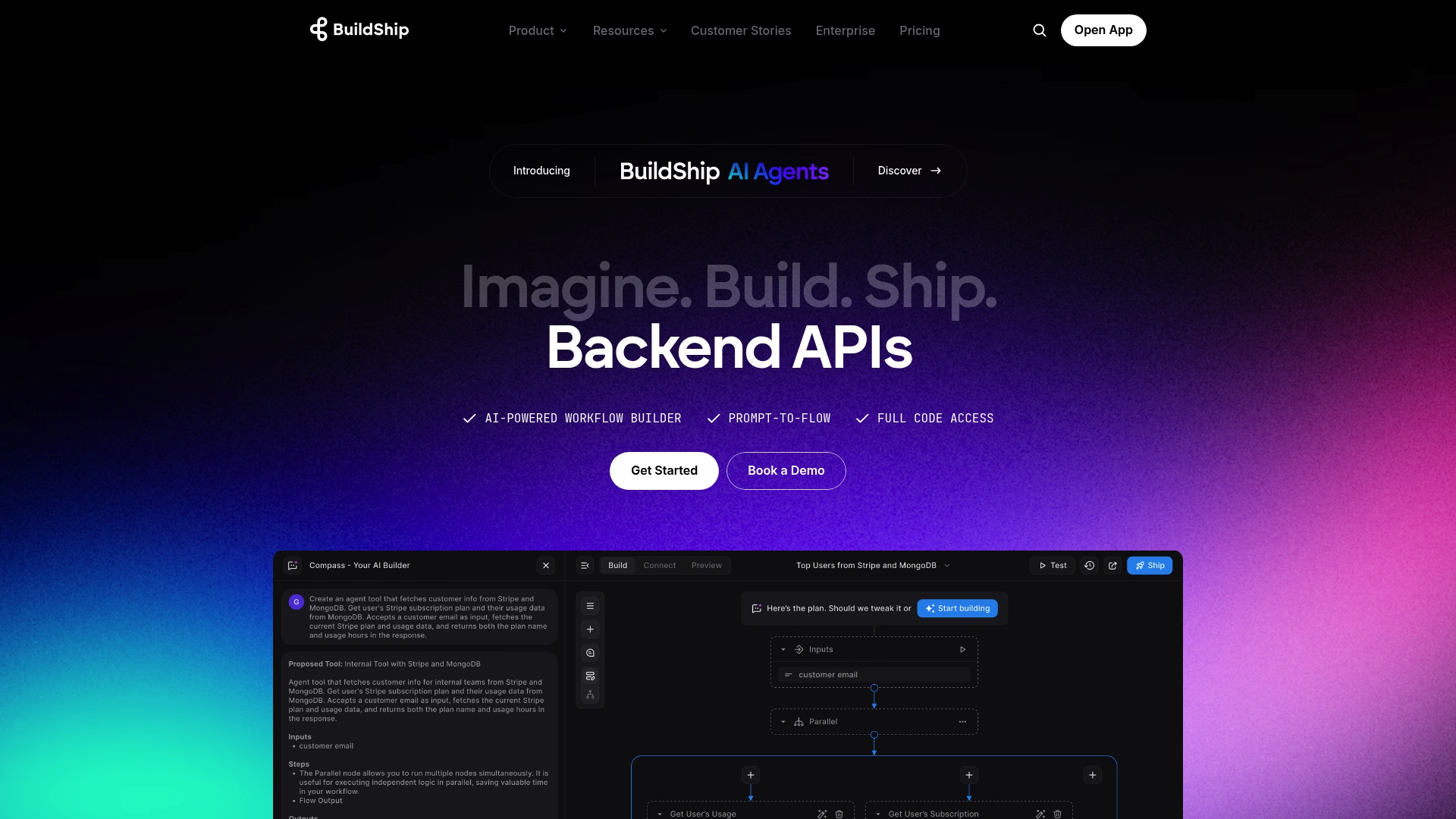
One-click deployment into your own infrastructure and a visual builder that accepts natural language prompts are central claims. BuildShip advertises both no code flow creation and full code access for fine tuning. That mix aims to let developers and business teams move from idea to deployed automation quickly.
Core Features
BuildShip combines an AI powered visual workflow builder with a prompt to flow interface so teams can generate flows from plain language and then refine them. The platform exposes full code access for customization and fine tuning, and it connects to data, tools, and AI models for multimodal processing. Teams can choose one click deployment or self hosting options inside their infrastructure.
Key Differentiator
The vendor highlights a single workflow path from natural language prompts to production code while retaining developer control. That means nontechnical team members can sketch a flow and engineers can open the same flow as code for deep edits. This mixed authoring model reduces translation work between product teams and engineering.
Pros
BuildShip speeds prototyping by letting a product person describe a workflow in plain language and then generate a working flow the team can iterate on. The combination of a visual interface and full code access gives developers both quick results and precise control in the same project. Enterprise security and community templates support teams that must host inside their environment and accelerate development with reusable patterns.
Cons
- The learning curve may be steep for nontechnical users. The tool mixes visual design with code editing, which can confuse people who expect only no code tooling.
- Pricing details are not publicly listed, which makes budgeting difficult for small teams and startups. That opacity forces many buyers to request a sales conversation before evaluating fit.
- Limited visibility into plan limits and usage costs may hide downstream expenses for heavy AI generation or high volume integrations.
When It May Not Fit
If your team lacks developer capacity, the blended code and visual model could add overhead and slow adoption. Organizations that require transparent, published pricing for procurement will find the current information insufficient. Small startups on tight budgets may prefer a vendor with a public, usage based plan.
Who It's For
BuildShip targets development teams, AI practitioners, and product teams that want rapid AI workflow creation while keeping deployment flexible. Choose it if your engineers want to edit flows as code and your product staff want to sketch logic in plain language. It fits teams that can host infrastructure and who value community templates for reuse.
Real World Use Case
A company used BuildShip to automate customer onboarding by describing the onboarding steps in natural language, then converting that description into a flow. Engineers adjusted validation logic directly in the flow code and deployed the process inside the company network. The result was an automated pipeline that handled document checks, account creation, and welcome messaging with minimal handoffs.
Pricing
Pricing is not specified on the vendor site. The company indicates likely tiered plans with unlimited AI generation included, but exact tiers and per seat or usage charges are not published. Prospective buyers must request pricing from sales to get concrete numbers.
Website: https://buildship.com
Klamp
At a Glance
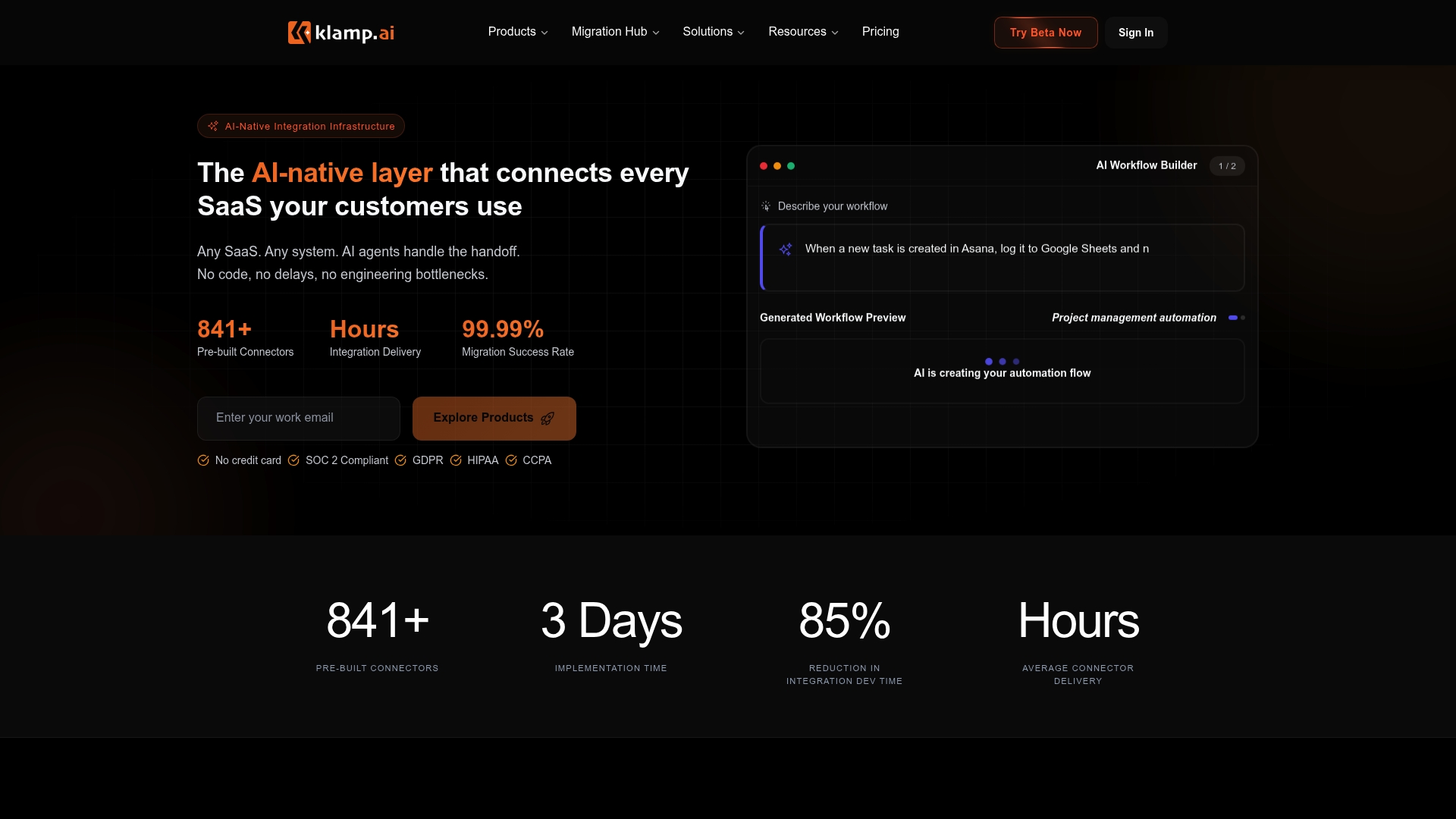
Klamp reports 841+ prebuilt connectors ready to link common SaaS tools without custom coding. According to the company, its AI powered field mapping can reduce manual configuration by up to 85%. That combination targets faster integration delivery and less engineering work for product teams.
Core Features
Klamp includes a library of connectors, a visual no code workflow builder with advanced conditional logic, AI powered field mapping, and continuous two way data sync. It also provides a full audit trail for recent data movements to support compliance and debugging. These parts work together to move data and map schemas while preserving visibility for product and success teams.
Key Differentiator
The vendor advertises that Klamp can deploy integrations within days rather than months. The platform centers on AI native automation for integration delivery, schema reconciliation, and data mapping, and that figure about manual work reduction drives most of its value. Klamp focuses on shipping embedded integration experiences fast for SaaS products.
Pros
Klamp speeds up integration work by combining a large connector library with AI driven mapping and a visual workflow editor. The platform reduces engineering overhead by shifting common connector and mapping tasks out of core development work. Enterprise oriented features such as continuous two way sync and a complete audit trail support compliance conscious operations and high availability deployments.
Cons
- Handling highly complex or deeply custom integrations often requires extra vendor support or bespoke development.
- Costs can rise with connector volume and large scale data migrations, depending on usage patterns and migration scope.
- Customization remains limited compared with building a fully custom integration stack for niche or unusual workflows.
When It May Not Fit
If your product needs highly specialized connectors with unusual data models, Klamp may not be the right fit. Teams that require absolute control over every transformation step will find custom development more flexible. Organizations with small integration counts that prefer one off scripts may prefer a lower cost, hand coded approach.
Who It's For
SaaS product teams, CTOs, product managers, and customer success leaders who need embedded integrations and large scale migrations without tying up engineering resources. It fits companies aiming to offer a native marketplace or reduce a growing integration backlog. It suits teams willing to trade some customization for speed and operational controls.
Real World Use Case
A SaaS vendor used Klamp Embed to add a native integrations marketplace inside its product. Customers connected their tools quickly, onboarding time fell, and the product team cut ongoing maintenance work. The company reported lower engineering tickets while increasing customer stickiness with built in connections.
Pricing
Not applicable for public listing here. The product page lists informational material only and does not publish standard list pricing. Prospective buyers should contact Klamp for a quote that matches connector count, sync frequency, and migration scope.
Website: https://klamp.ai
Comparison of alternatives
SaaS Launchpad offers significant advantages for teams and individuals working on no-code SaaS projects. However, depending on specific use cases and requirements, other platforms deliver unique features that may align better with certain goals.
Integrating with existing workflows
FlowMate specializes in embedding automation within product environments, providing extensive APIs and 150+ pre-configured connectors suitable for multi-tenant platforms. While powerful, it requires technical expertise for setup and may overwhelm smaller teams.
Deployment flexibility for complex projects
BuildShip combines a natural language-driven visual workflow builder with detailed coding options, allowing for rapid deployment within one's infrastructure. However, its dual approach may pose a challenge for nontechnical users, particularly during initial adoption phases.
Best fit
- Founders and managers focusing on no-code SaaS projects who value direct insights for immediate application should choose SaaS Launchpad for its live real-time analysis capabilities.
- Product teams looking to incorporate automation directly into their core app environments should consider FlowMate for its in-app execution control and extensive integration library.
- Development groups aiming for high levels of technical control over automations should explore BuildShip for its code and visual editing features.
- Managers requiring swift, connectors and reduced manual mapping efforts should evaluate Klamp for its extensive library of prebuilt options and AI-powered tools.
Our pick
While options like FlowMate, BuildShip, and Klamp offer powerful tools within their niches, SaaS Launchpad excels in its tailored real-time streaming analysis and transformation tools for no-code applications. However, if technical complexity or specialized integrations dominate the workflow need, others may better suit specific cases.
Here is a comparison to aid in selecting the right platform for your needs.
| Platform | Key Feature | Best For | Pricing | Notable Limitation |
|---|---|---|---|---|
| SaaS LaunchPad | Live streaming analysis of 21 disciplines | Founders and product managers of SaaS | $49 per analysis, $119 for 3, $299 for 10 | May encounter occasional technical permission delays |
| FlowMate | Embedded automation in multi-tenant apps | Product teams needing embedded workflows | €399/month starting, consultation for advanced plans | Requires dedicated integration team for setup |
| BuildShip | Visual and code workflow authoring | Development teams blending no code and code | Price not published | Learning curve for non-technical users |
| Klamp | AI-powered integration delivery | CTOs and product teams | Price not published | Limited customization for niche or unique workflows |
How To Choose the Right Zapier Alternative for Your SaaS Project
Many founders and product managers find it hard to spot gaps in their no code SaaS applications before automations slow down or create security risks. The article highlights the need for clearer insights and faster steps to fix problems common in Zapier alternatives. SaaS LaunchPad answers that by running a live audit across 21 key disciplines, producing a detailed Product Excellence Blueprint and a copy-paste-ready Master Prompt that accelerates fixes without delays.
Benefits include:
- Quick enterprise-grade analysis during a single live session
- Step-by-step guidance tailored for no code SaaS teams
- Easy handoff with ready-to-use prompts for immediate improvements
See how SaaS LaunchPad works and start measuring your app’s readiness. Get precise feedback and a clear plan to improve your SaaS product’s security, scalability, and user experience on the spot.
Launch your audit at SaaS LaunchPad
FAQ
How does SaaS LaunchPad support live real-time streaming analysis?
SaaS LaunchPad delivers audit output as the review runs, not after a batch job completes. This allows users to receive an enterprise-grade blueprint within minutes, covering 21 disciplines such as security, UX, and scalability. Start using it to expedite your SaaS product analysis and implementation.
What is the difference between SaaS LaunchPad and FlowMate?
FlowMate enables product teams to convert natural language prompts into production-ready workflows and provides a visual Flow Builder. SaaS LaunchPad, on the other hand, focuses on delivering a prioritized Product Excellence Blueprint while streaming analysis live. This makes SaaS LaunchPad ideal for founders and product managers seeking quick insights into no-code SaaS projects.
How quickly can I expect reports from SaaS LaunchPad?
Reports from SaaS LaunchPad arrive quickly during a single live session. This design speeds up diagnosis and decision-making for product teams, providing actionable insights as soon as the analysis begins. Expect to make informed decisions almost immediately after the session concludes.
Can SaaS LaunchPad help with security assessments for my SaaS project?
SaaS LaunchPad includes security checks as part of its 21 discipline analysis. This ensures that you get a thorough evaluation of potential security gaps in your SaaS project. Utilize this capability for peace of mind while developing your application.
How does SaaS LaunchPad’s pricing compare to that of Klamp?
SaaS LaunchPad starts at $49 per analysis, making it suitable for intermittent audits or agency pipelines, while Klamp’s pricing is not publicly listed. This pricing model allows users to scale audits as needed, providing a cost-effective solution for founders and agencies.