
Picking a no-code project management platform that fits both workflow needs and deployment flexibility is complicated. Most Airtable alternatives either restrict deployment to the cloud, require ongoing subscriptions, or limit deep audits and customization. This side-by-side review shows pricing, deployment, and audit support so product managers and SaaS founders can pick the best fit without trial and error.
Table of Contents
SaaS Launchpad by Stratevia
At a Glance
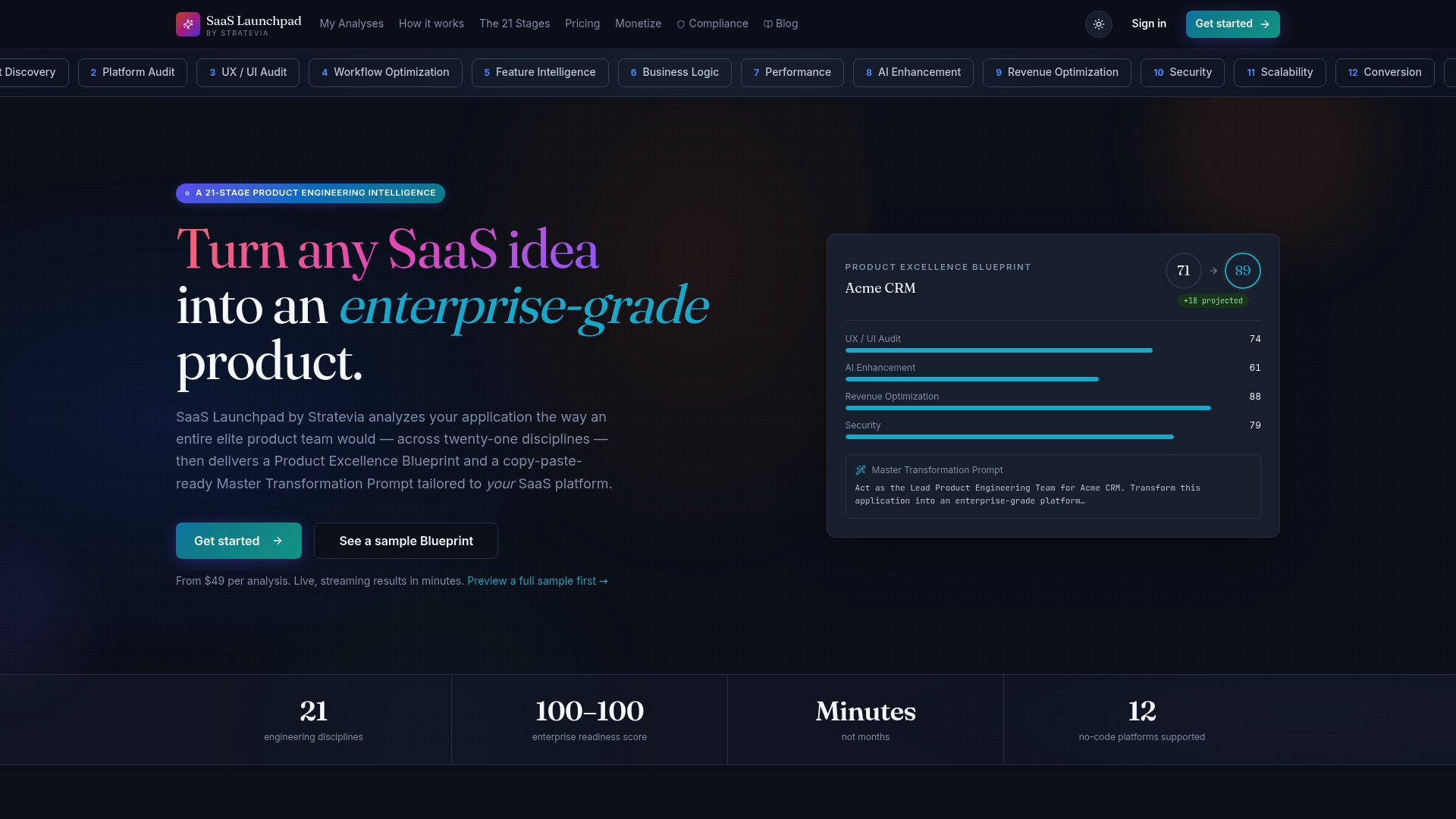
The vendor advertises a real-time 21-discipline audit with live streaming results in minutes. It returns a Product Excellence Blueprint and a Master Transformation Prompt tailored for no-code stacks. You buy a single analysis on a pay-per-analysis basis, and credits never expire.
Core Features
A 21-discipline analysis covers product, security, scalability, UX, UI, performance, AI, and revenue. Live streaming delivers the audit output quickly and shows findings as the review proceeds. The platform generates a prioritized improvement roadmap with categories such as Critical and High, plus platform-specific rebuild prompts for Bubble, Webflow, and other no-code tools.
Key Differentiator
That real-time 21-discipline audit and live analysis pair with a platform-specific rebuild prompt to compress a multi-role product review into minutes. The result reads like a coordinated deliverable from an experienced product team. Teams get both priorities and a copy-paste prompt that targets their chosen no-code stack.
Pros
According to the company, the process simulates a multi-million-dollar product team review, which explains the audit depth and the level of detail in recommendations. The platform supports multiple no-code targets, so rebuild prompts come tuned for Bubble, Webflow, Manus, FlutterFlow, and similar stacks. You pay per analysis rather than subscribe, which lowers the barrier for one-off audits and lets occasional users avoid recurring fees. The service also offers side-by-side competitor comparisons, industry benchmarks, and an impact projection for expected post-implementation scores.
Cons
- Pricing may be high for teams that need frequent assessments.
Notable Integrations
- Manus
- Bubble
- Webflow
- Lovable
- Airtable
- FlutterFlow
Who It's For
Product managers, SaaS founders, and no-code builders who need a fast, detailed audit without a long consulting engagement will benefit. Product consulting agencies that audit client apps can use the platform to generate repeatable blueprints and prompts. Teams preparing to replatform or launch can use a single analysis to prioritize work before hiring developers.
Unique Value Proposition
Pay-per-analysis credits that never expire let teams buy targeted audits without committing to a subscription. That buys a tactical advantage when you need a single, deep product review before a funding round or major rebuild. The platform converts findings into a prioritized roadmap plus a copy-paste prompt for specific no-code platforms, which reduces the time your engineering or agency partner spends translating recommendations into work.
Real World Use Case
A no-code startup runs a single audit before raising seed funding. The team receives the blueprint, implements the highest-priority fixes, and uses the platform-specific prompt to rebuild a critical module on Bubble. The result shortens the engineering spec phase and clarifies what to scope for an investor demo.
Pricing
Pay per analysis, with rates starting at $49 for a full 21-stage audit. There is no subscription tier, and credits do not expire, so teams can buy audits as needed.
Website: https://saaslaunchpad.org
Baserow
At a Glance
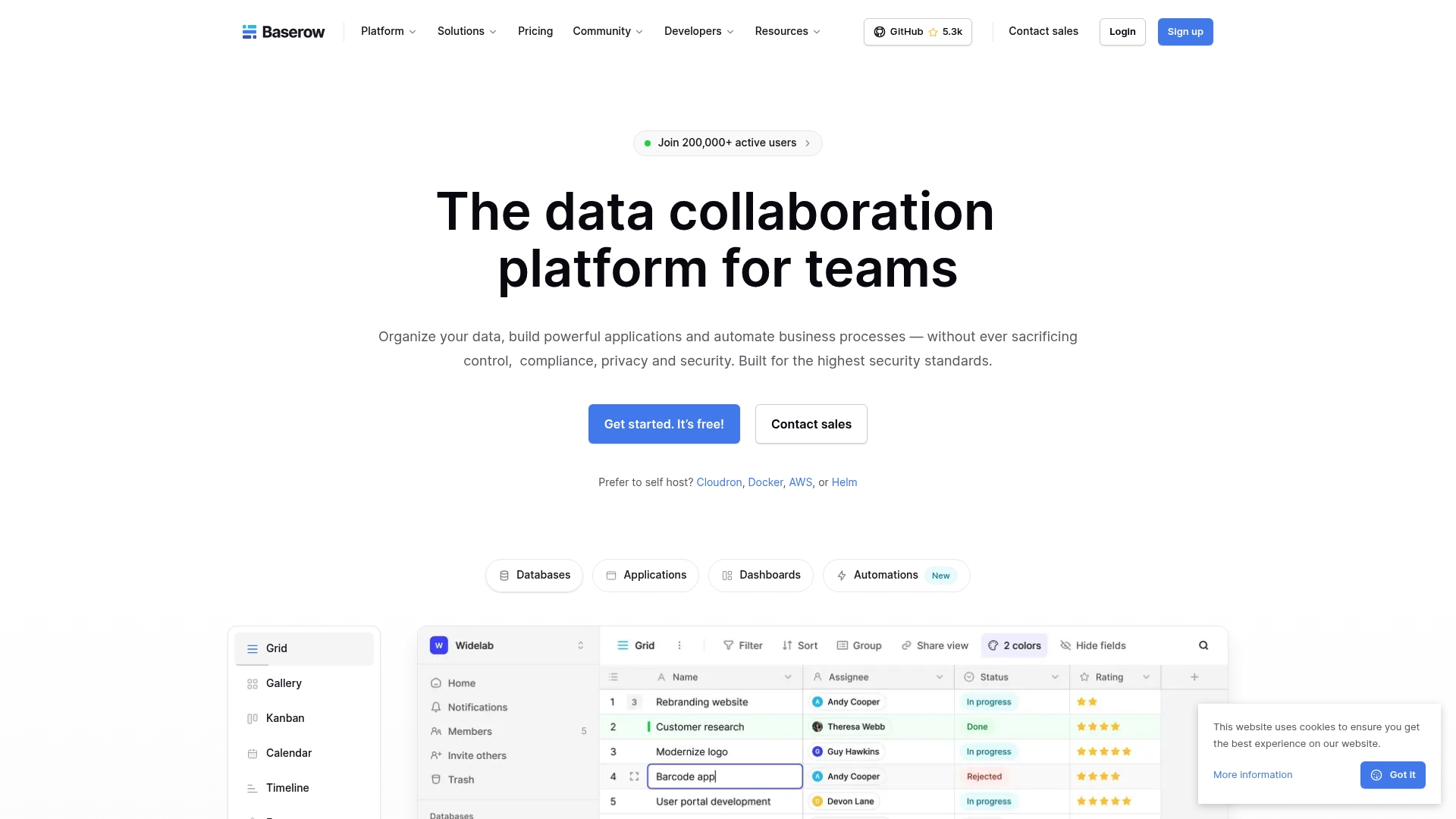
Baserow uses a permissive MIT license that lets teams run, modify, and fork the code without vendor lock in. You can run it in the cloud or on your own infrastructure and keep full control over data and access. The product combines a visual database builder with app builders, automations, and dashboards for internal tools.
Core Features
A visual database builder lets you create tables, link records, and model relational data while an application builder turns those tables into forms and workflows. Automations handle notifications and routine processes, and dashboards provide reporting and visualization. The vendor advertises GDPR, HIPAA, and SOC 2 compliance.
Key Differentiator
Baserow stands out because it is truly open source and supports both cloud and self hosted deployments. That combination gives teams control over data residency, custom backend changes, and integration with internal systems. Organizations that need to modify server behavior or embed the database inside private networks get a single product for both developer and non developer workflows.
Pros
Because it ships under a permissive license, teams can avoid vendor lock in and extend the platform at the code level. The product offers flexible deployment choices and security features such as encryption and role based permissions. Built in automations, dashboards, and AI connections let non technical staff build useful internal tools without writing code. Active community support and thorough documentation reduce ramp time for administrators and developers.
Cons
- According to the company, the cloud free plan caps rows at 3,000 and limits concurrent API requests to 10, which can constrain high volume projects.
- The self hosted option requires infrastructure and technical maintenance, so internal ops or a DevOps partner are often necessary.
- Several advanced features and higher usage tiers live behind paid plans, so scaling beyond the free cloud limits will add recurring cost.
When It May Not Fit
If your team lacks someone to manage servers, the self hosted route will add overhead and risk. If you need large scale cloud limits without admin work, the free cloud plan and lower paid tiers may feel restrictive. Organizations that expect heavy API traffic or millions of rows should plan for a paid plan or custom hosting.
Who It's For
Teams that want a customizable no code database and are comfortable owning infrastructure will get the most value. Compliance conscious groups that must control data residency and access will find the self hosted option useful. Product teams that need to blend no code builders with code level customization will appreciate the trade offs.
Real World Use Case
A healthcare organization consolidated patient and operational data into a self hosted Baserow instance to control where data resides and how records are accessed. The team automated reporting and compliance checks with built in automations and dashboards. Developers extended a few backend integrations to feed analytics while clinicians used simple forms for daily workflows.
Pricing
Baserow is free to run self hosted or on the basic cloud tier. Paid cloud plans start at $10 per user/month for higher limits, AI features, and additional admin controls. Enterprise pricing and managed options are available on request.
Website: https://baserow.io
Tadabase
At a Glance
Tadabase reports users saving up to $200K in development costs. The platform lets nontechnical teams and developers build data apps fast without writing code. Try a small internal app first to validate performance and permissions before wide rollout.
Core Features
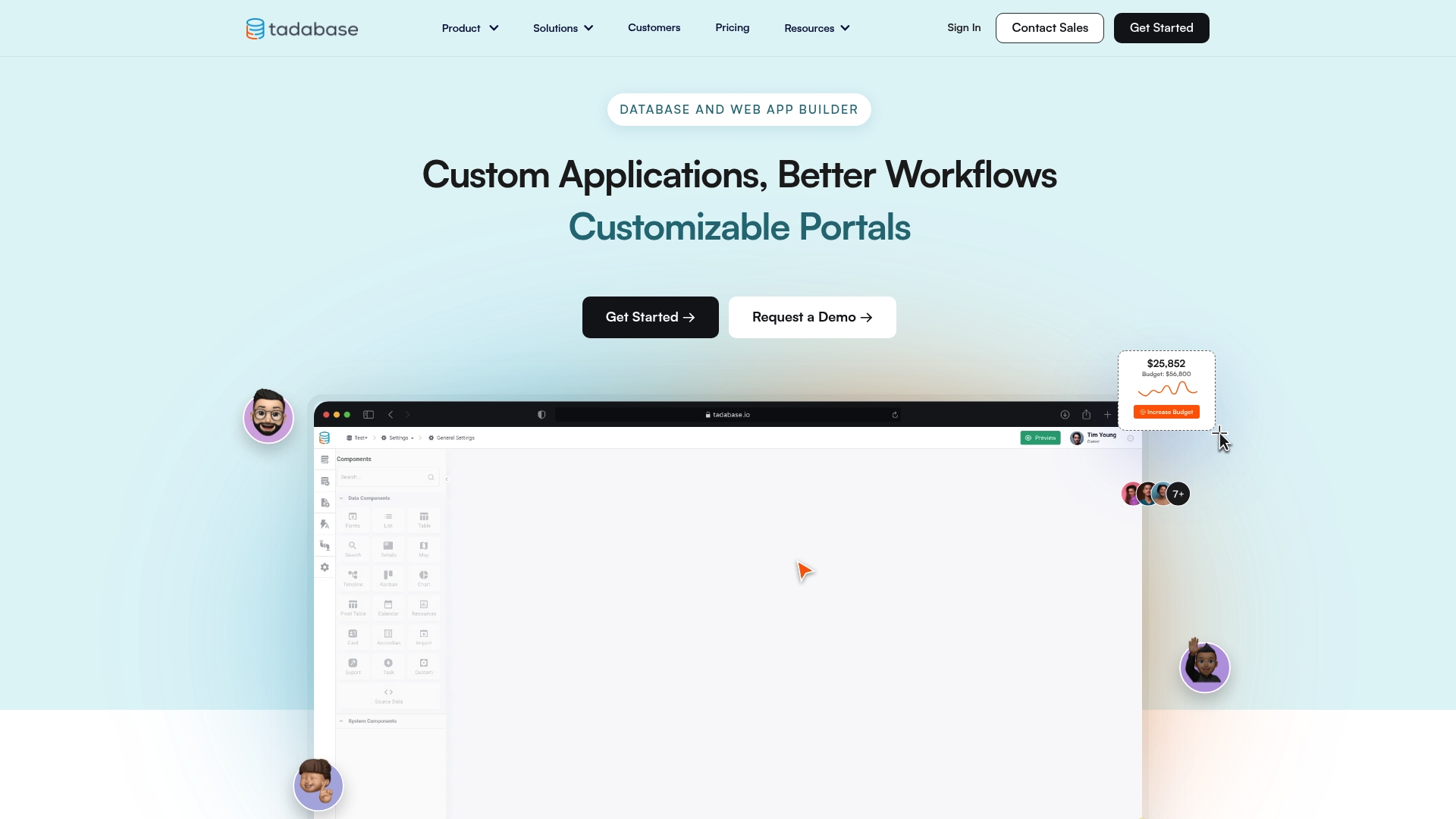
Tadabase combines an application builder with cloud data management, role and permission controls, and a library of data visualization components. It includes workflow automation, reporting and analytics, built in PDF generation, and external data sync via Databridge. APIs and webhooks support custom plugins and REST API connections for extended functionality.
Key Differentiator
Tadabase emphasizes rapid, no code creation of enterprise grade data management and workflow automation with security and integration options. Its mix of prebuilt templates, partner support, and enterprise hosting targets teams that need a faster path to production from spreadsheets. That focus suits projects where centralized data control and permissioning matter.
Pros
Tadabase offers a flexible builder that lets teams iterate forms, tables, and pages without backend changes. The vendor reports large development cost savings for some customers, which suggests the platform can replace custom builds for many internal apps. Support resources, a community, and partner options reduce onboarding friction for nontechnical teams and add a path to scale for developers who need APIs and scripting.
Cons
- Design flexibility can lag behind fully custom coded solutions, limiting pixel perfect UI work.
- Highly complex workflows may demand advanced API knowledge or scripting to implement.
- As a no code product, deep customization sometimes requires developer time and external services.
When It May Not Fit
If your project needs exact visual designs or cutting edge front end effects, this tool may feel restrictive. Organizations that require heavy real time processing or bespoke front end components will likely need custom code. Teams without any API or scripting capacity should budget for external developer help for complex integrations.
Who It's For
Tadabase fits teams that need custom internal applications, portals, or CRM systems without building a full engineering stack. It suits organizations that value centralized, secure data control and permissioning across many users. Enterprise groups that plan white labeling or hosting options will find the platform aligned with those needs.
Real World Use Case
According to the company, a medical group built a HIPAA compliant communication workflow that saved $180K. That example shows the platform handling compliance oriented workflows and connecting to existing systems. Use Tadabase where security rules, audit trails, and role based access determine project success.
Pricing
Pricing is listed as informational only. Vendor materials describe enterprise hosting and partner services as part of larger engagements. Contact Tadabase for current tier details, seat models, and white labeling costs.
Website: https://tadabase.io
Comparison of alternatives
For businesses exploring alternatives to Airtable, the key differentiators often encompass setup ease, feature flexibility, and scalability for their specific needs. Each platform introduced—the SaaS Launchpad by Stratevia, Baserow, and Tadabase—presents a unique approach catering to specialized application niches, meriting consideration based on specific use cases.
Customization and Platform Specificity
SaaS Launchpad stands out by offering an in-depth, real-time 21-discipline analysis tailored for no-code platforms such as Bubble and Webflow. This unique feature provides practical prompts for implementation, simplifying the process for startups and businesses preferring succinct guidance. Conversely, Tadabase emphasizes an all-in-one, security-conscious data platform equipped with role control and workflow automation, suitable for teams focused on custom workflows and scalable development.
Deployment Flexibility and Data Control
Baserow champions data autonomy by enabling self-hosted, open-source architecture. This option strongly advantages organizations requiring total ownership over their data, such as those in highly regulated industries. On the other hand, SaaS Launchpad relies on a streamlined, cloud-centric offering, which significantly reduces barriers to entry and ongoing risk for its users.
Best fit
- Startups needing expedited, detail-rich audits, particularly with roadmap integration and customizable no-code prompts, will benefit from SaaS Launchpad by Stratevia.
- Organizations prioritizing open-source flexibility and secure, self-hosted deployments for sensitive or expansive datasets will find Baserow a valuable option.
- Businesses committed to developing internal applications or portals with extensive security controls and enterprise requirements should consider Tadabase.
Our pick
For teams seeking rapid, in-depth audits designed to deliver insights tailored to the demands of no-code platform optimization, SaaS Launchpad by Stratevia is the premier choice. Its specialized features cater to businesses requiring precise and practical recommendations efficiently. However, for users prioritizing full data control or scalable infrastructure with high customizability, exploring alternatives such as Baserow or Tadabase may be more beneficial. In either scenario, opting for the platform aligning closest with your stated objectives is.
The following table compares platforms based on their audit depth and usability for no-code applications.
| Product | Core Feature | Key Differentiator | Pricing | Notable Limitation |
|---|---|---|---|---|
| SaaS LaunchPad | 21-discipline real-time audit | Live analysis with rebuild prompts for no-code platforms | Starting at $49 per analysis | May be expensive for frequent assessments |
| Baserow | Visual database builder | Open source with cloud and self-hosted options | Free basic tier; $10/user/month | High-volume usage constrained in free tier |
| Tadabase | Application builder and cloud data management | Rapid creation of enterprise data workflows | Price not published | Customization requires developer time for complex tasks |
Choosing the Right Platform Beyond Airtable Alternatives
Teams seeking Airtable alternatives often face complex challenges like evaluating security, scalability, and user experience across their project management tools. SaaS LaunchPad helps product managers, SaaS founders, and no-code builders get a detailed review of their application fast. It analyzes your app through 21 disciplines and delivers a clear Product Excellence Blueprint plus a copy-paste-ready Master Prompt tailored for no-code platforms.
Get clarity on product priorities and actionable next steps. Reduce costly guesswork before rebuilding or scaling your project. Try a single audit on a pay-per-analysis basis with credits that never expire. Visit SaaS LaunchPad to see how a focused audit can create a prioritized plan and no-code prompts that speed up your next steps.
FAQ
How does SaaS LaunchPad generate its Product Excellence Blueprint?
SaaS LaunchPad produces a detailed Product Excellence Blueprint through its real-time 21-discipline audit. This feature allows it to evaluate aspects like product security, scalability, and UX in minutes, providing actionable recommendations. Users can benefit from an efficient pathway to improving their projects with structured guidance.
What is the difference between SaaS LaunchPad and Baserow?
Baserow uses a permissive MIT license allowing teams to run and modify the code freely, which can benefit those seeking extensive customization. In contrast, SaaS LaunchPad delivers a faster audit process tailored for no-code stacks, making it ideal for project managers needing quick insights without heavy development. Users should choose based on their specific requirements for flexibility or speed.
Can I use SaaS LaunchPad to prioritize specific features in my project?
Yes, SaaS LaunchPad creates a prioritized improvement roadmap that categorizes recommendations into Critical and High. This structured approach helps teams focus on essential changes first, ensuring they maximize their resources effectively during project development.
Does SaaS LaunchPad support multiple no-code platforms?
Yes, SaaS LaunchPad provides platform-specific rebuild prompts for tools like Bubble and Webflow. This support makes it an excellent fit for teams leveraging no-code solutions that need targeted recommendations for development and rebuilding projects.
How much does a full analysis from SaaS LaunchPad cost?
A full 21-stage audit from SaaS LaunchPad starts at $49 per analysis, allowing teams to pay only when they need detailed insights. This pricing model is beneficial for teams looking to minimize costs by avoiding ongoing subscription fees.